

Conductive Material #
This section describes conductive materials in the optical material library.
Conductive material models are represented using the complex permittivity εtotal. The relation between the complex permittivity εtotal and the frequency f is expressed as:
εtotal=ε+i2πfε0σ
Wherein, ε represents the permittivity, σ represents the conductivity, and the unit is (Ω.m)−1.
| Name | Symbol | Units | Range | Default | Description |
|---|---|---|---|---|---|
| Permittivity | ε | ~ | Real number, ε≥1 | 1 | Permittivity |
| Conductivity | σ | (Ω.m)−1 | Real number, σ≥0 | 0 | Conductivity |
Material Setting #
In the Optical Material Library window, you can add the desired conductive material by selecting Add material>Add conductive, and modify the material parameters in the editing interface.
More Information #
PEC #
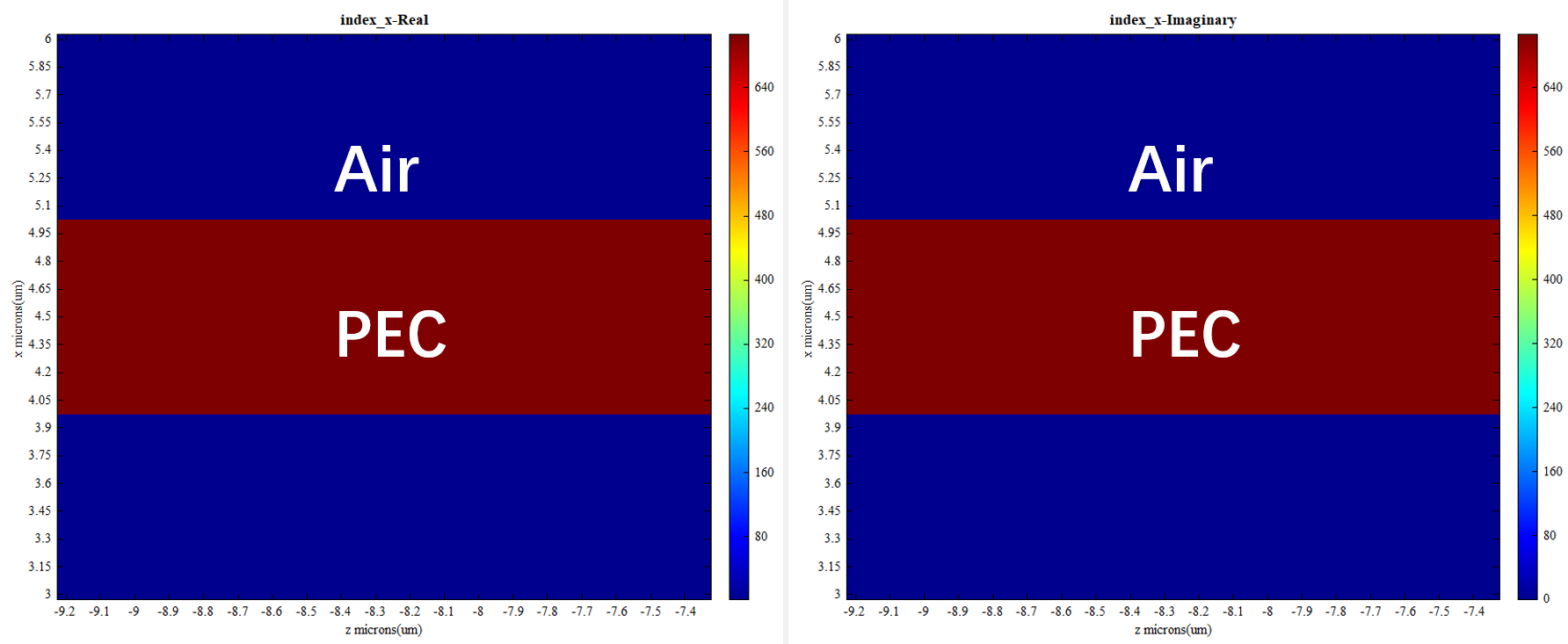
When the conductivity σ is set to a very large value, the behavior of the conductivity material tends to approximate that of an ideal conductor, also known as a Perfect Electrical Conductor (PEC) material.
For PEC materials, there is no need to set other parameters except name and color. The refractive index of PEC materials is shown as follows:
Conductive 2D #
In addition to general conductive materials, the software also supports 2D isotropic conductive materials. A 2D isotropic conductive material differs from a general conductive material: its surface conductivity is the product of the material's volume conductivity (σ) and the material thickness (t).
In the Optical Material Library window, you can add the desired 2D isotropic conductive material by selecting Add material>Add Conductive 2D.
| Name | Symbol | Units | Range | Default | Description |
|---|---|---|---|---|---|
| Layer thickness | t | m | Real number, t≥0 | 3.5e-5 | Physical thickness of the 2D material |
| Conductivity | σ | (Ω.m)−1 | Real number, σ≥0 | 58000000 | Volume conductivity of the material |