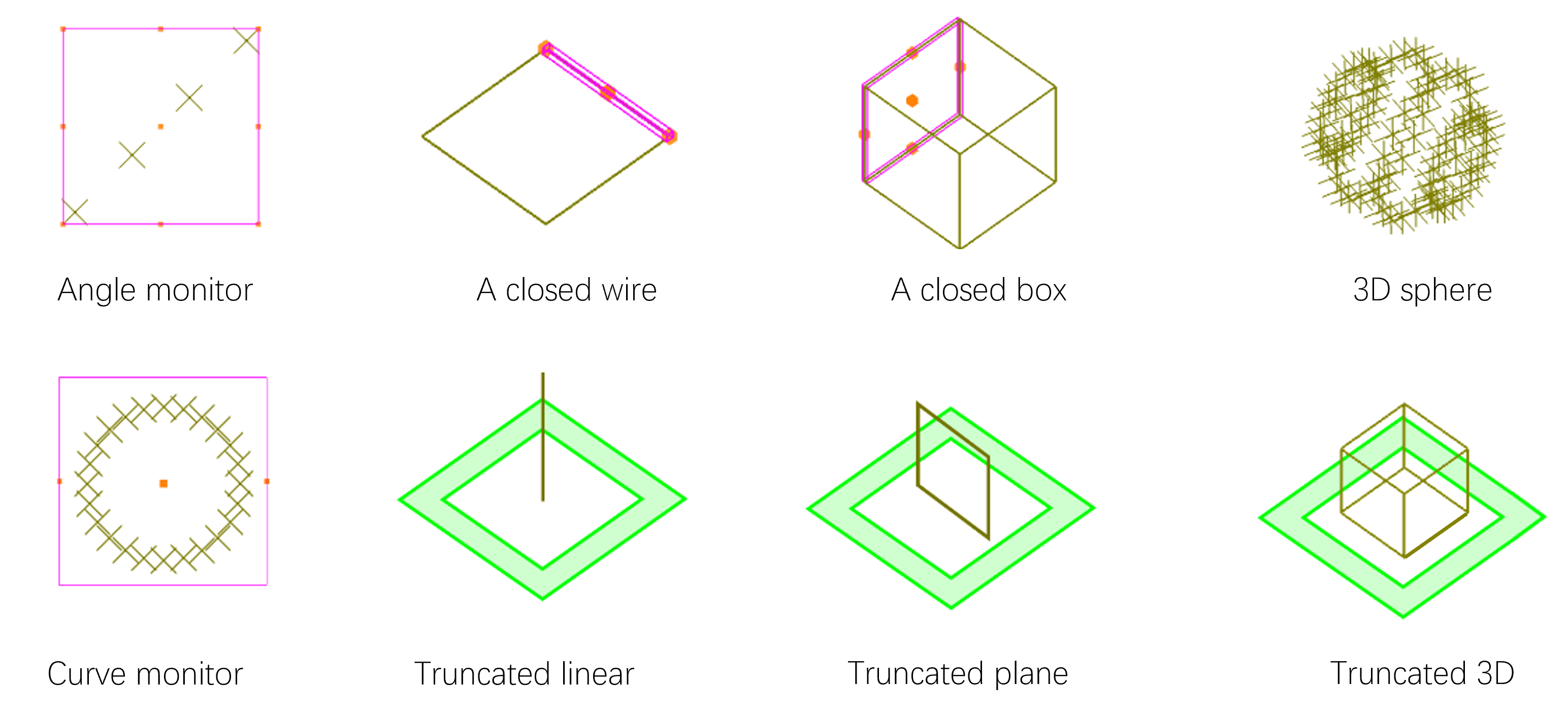

Monitor
Monitor #
This section describes software monitors.
Currently, the software provides different types of monitors to record (or process) various simulation data.
After adding a solver, the solver tab will automatically appear, which contains various monitors. Users can select the desired monitor. Click on the Composite viewer to add a monitor and complete relevant settings for the monitor in the automatically pop-up properties editing interface.
Software supports adding and editing monitors using scripts, as shown in Script for Script.
Monitor #
-
Use Time monitor to record time-domain field signal E(t);
-
Use Index monitor to record material distribution at the observation plane N(f);
-
Use Frequency domain field and power(FDFP) monitor to record frequency-domain field E(f).
Monitor Setting #
Geometric dimensions #
| Name | Description |
|---|---|
| Use relative coordinate | Check to select relative coordinates. |
| Spatial type | Geometry type of monitor space. |
| X/Y/Z pos | Set center coordinates of the monitor. |
| X/Y/Z span | Set range of the monitor. |
Software provides the most basic types of monitors.
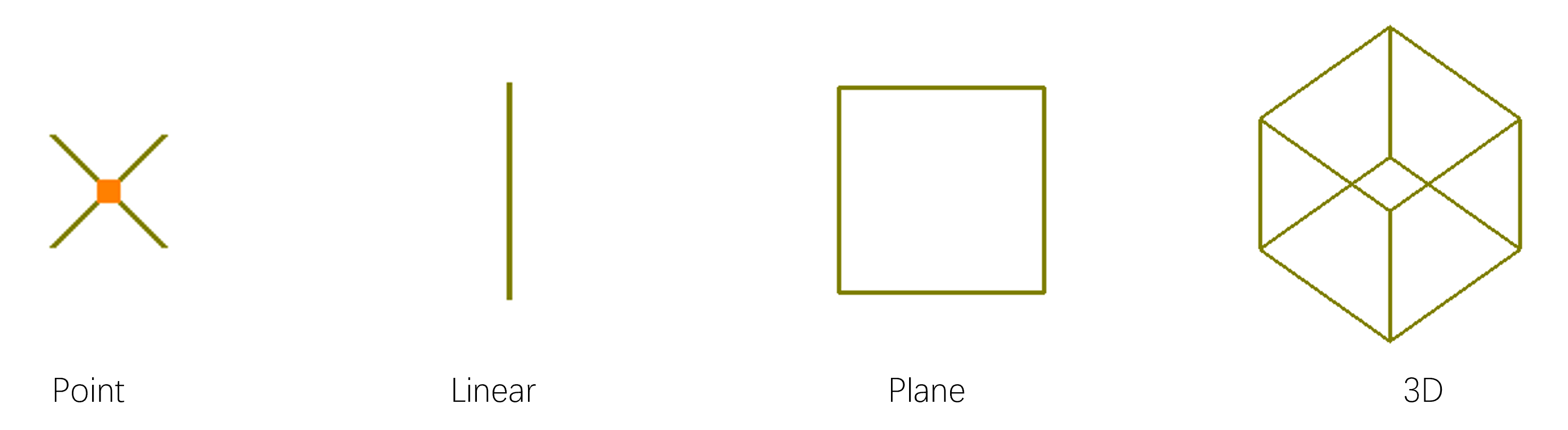
In some cases, it may be necessary to use multiple monitors to achieve specific customization needs, such as: