
/
Miscellaneous
Script workspaceScript variableMiscellaneous
This section introduces important operations in the script workspace. In the script workspace, the existing variables are displayed and some basic operations can be performed on these variables.
operation menu #
Right-click to show the operation menu in the script workspace.
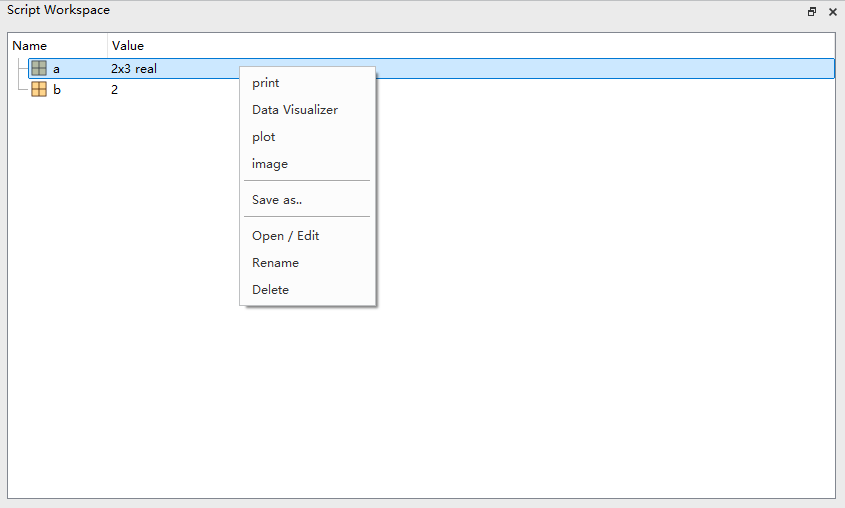
There are many operations that can be executed on variables in the workspace.
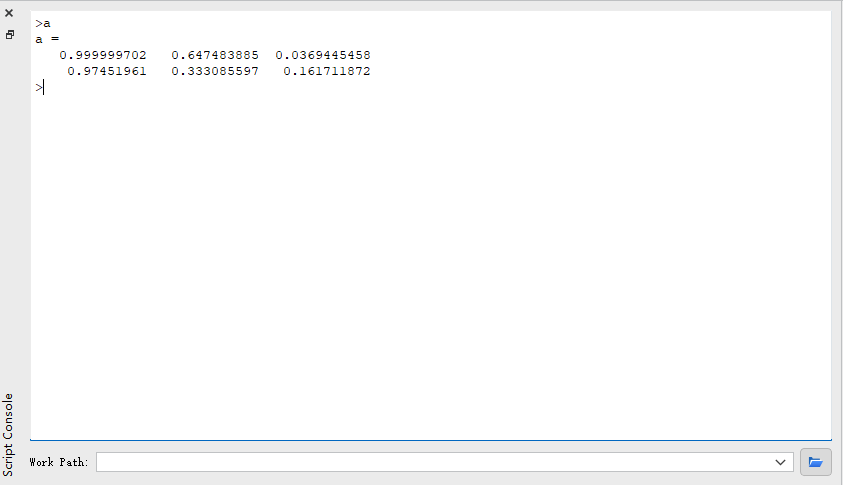
- print: print the selected variable in Script Console .
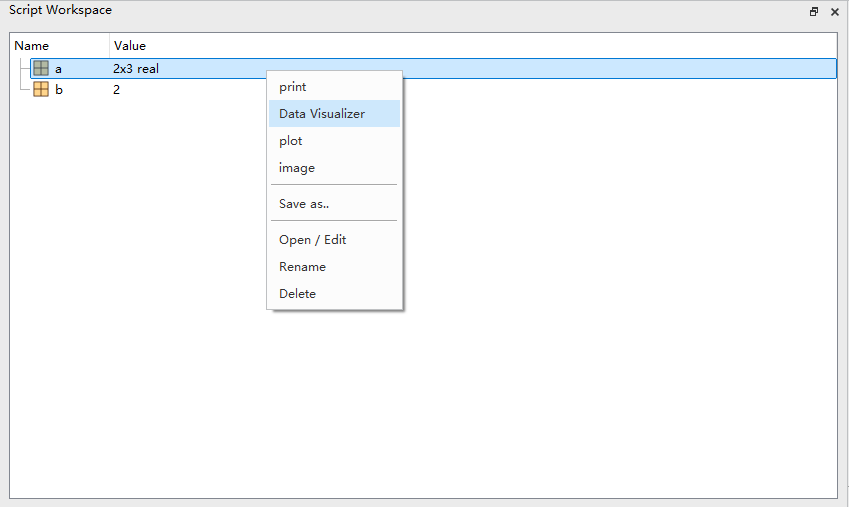
- Data Visualizer: visualizing the selected variable.
- plot: plot the selected variable.
- Save as..: save the selected variable in a
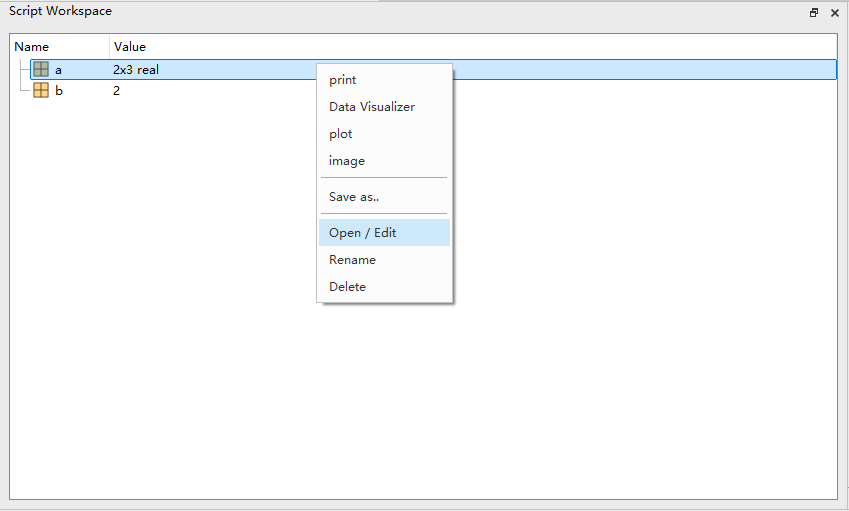
.mdffile. - Open / Edit: open or edit the selected variable.
- Rename: rename the selected variable.
- Delete: delete the selected variable.
The following part is the introduction of some important operations in the operation menu:
print #
Right-click to show the operation menu, then left-click the print option.
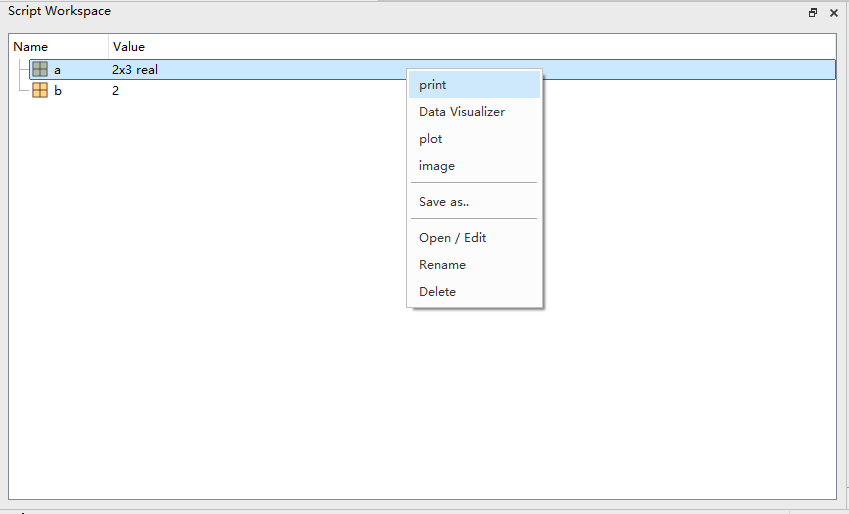
Result:
Data Visualizer #
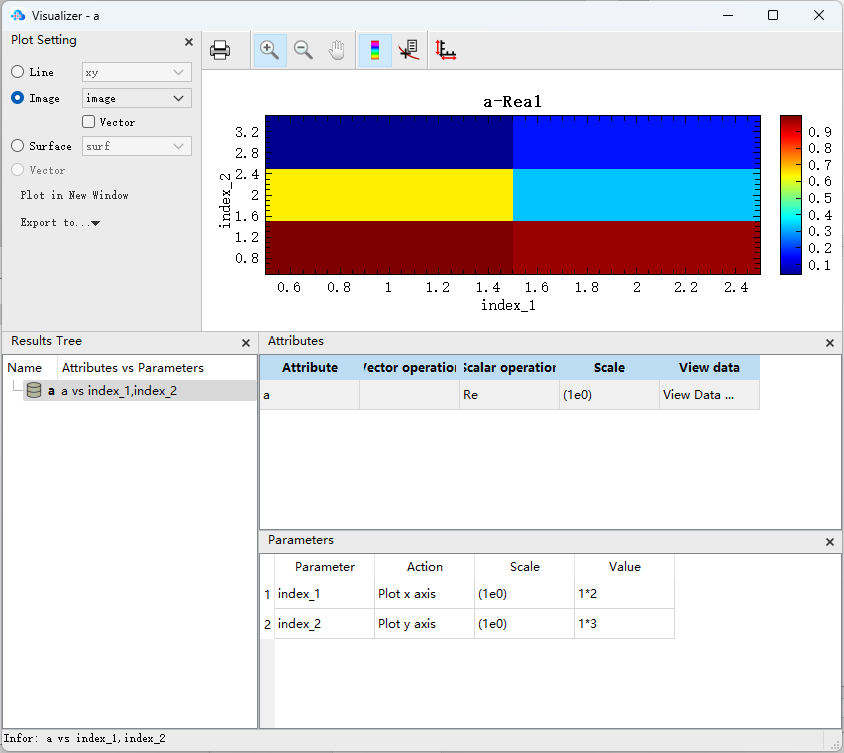
Right-click to show the operation menu, then left-click the Data Visualizer option.
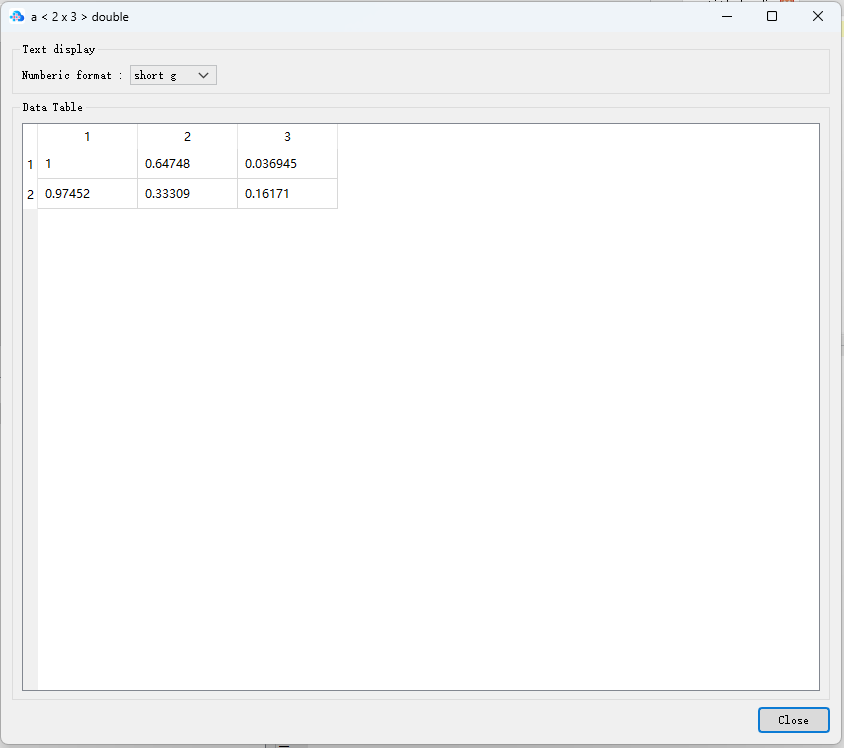
Result:
Open / Edit #
Right-click to show the operation menu, then left-click the Open / Edit option.
Result: